정보 보안 분야

  • 홈
  • 태그

httpd 1

[Linux] Apache 웹서버 설치

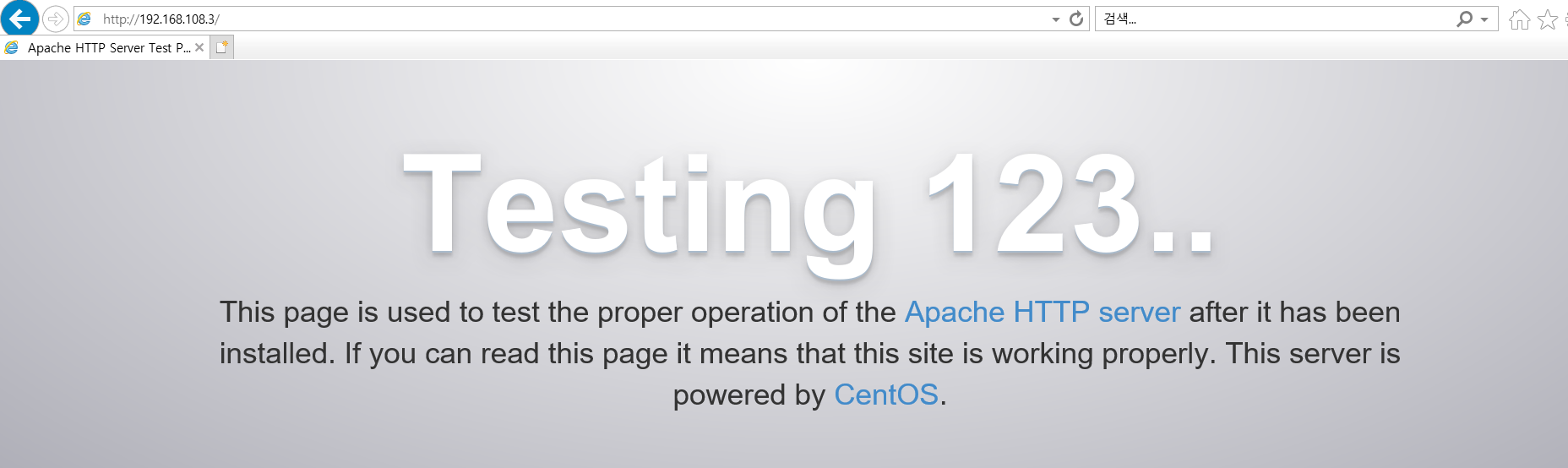
실습> 아파치 웹서버 설치하기 WEB Server : 192.168.108.3 아파치 웹 서버 : httpd 1. 웹서버 설치 # yum -y install httpd # systemctl enable httpd # systemctl start httpd # systemctl status httpd 2. 포트 확인 # ss -nltp # yum -y install net-tools # netstat -nltp 3. 웹페이지 접속 http://192.168.108.3 index.html # cat index.html 192.168.108.3 server!
Download & Install 2021.11.09
이전
1
다음
더보기
프로필사진

정보 보안 분야

  • 분류 전체보기 (420)
    • Download & Install (29)
    • Linux (343)
      • 서버구축 실습 (9)
      • 서버와 DB 분리 실습 (3)
      • Linux 실습 (27)
      • Linux 명령어 (4)
      • SQL (27)
      • SSH (8)
      • iptables (9)
      • C언어 (35)
      • 모의해킹 (157)
      • 보안장비 운용 (58)
    • Programming Language (30)
      • Python (30)
      • html (0)
    • Network (17)
      • 1계층(Pysical) (4)
      • 2계층(Data Link) (5)
      • 3계층(Network) (0)
      • 4계층(Transport) (0)
      • Router 명령어 (0)
    • Error (1)
    • 네트워크 관리사 2급 (0)
      • 실기 (0)
      • 필기 (0)
    • 사이버대학교 강의 (0)
      • 정보보호개론B (0)
      • 조직관리와 의사결정 (0)

Tag

for 문, ubuntu, iptables, 설치, 반복문, 서버, Python, http, physical, php, Network, 도메인, 1계층, 리눅스, html, 가상 호스트, 물리계층, 파이썬, Linux, Netcat,

최근글과 인기글

  • 최근글
  • 인기글

최근댓글

공지사항

페이스북 트위터 플러그인

  • Facebook
  • Twitter

Archives

Calendar

«   2026/02   »
일 월 화 수 목 금 토
1 2 3 4 5 6 7
8 9 10 11 12 13 14
15 16 17 18 19 20 21
22 23 24 25 26 27 28

방문자수Total

  • Today :
  • Yesterday :

Copyright © Kakao Corp. All rights reserved.

티스토리툴바