실습> 아파치 웹서버 설치하기
WEB Server : 192.168.108.3
아파치 웹 서버 : httpd
1. 웹서버 설치
# yum -y install httpd
# systemctl enable httpd
# systemctl start httpd
# systemctl status httpd
2. 포트 확인
# ss -nltp
# yum -y install net-tools
# netstat -nltp
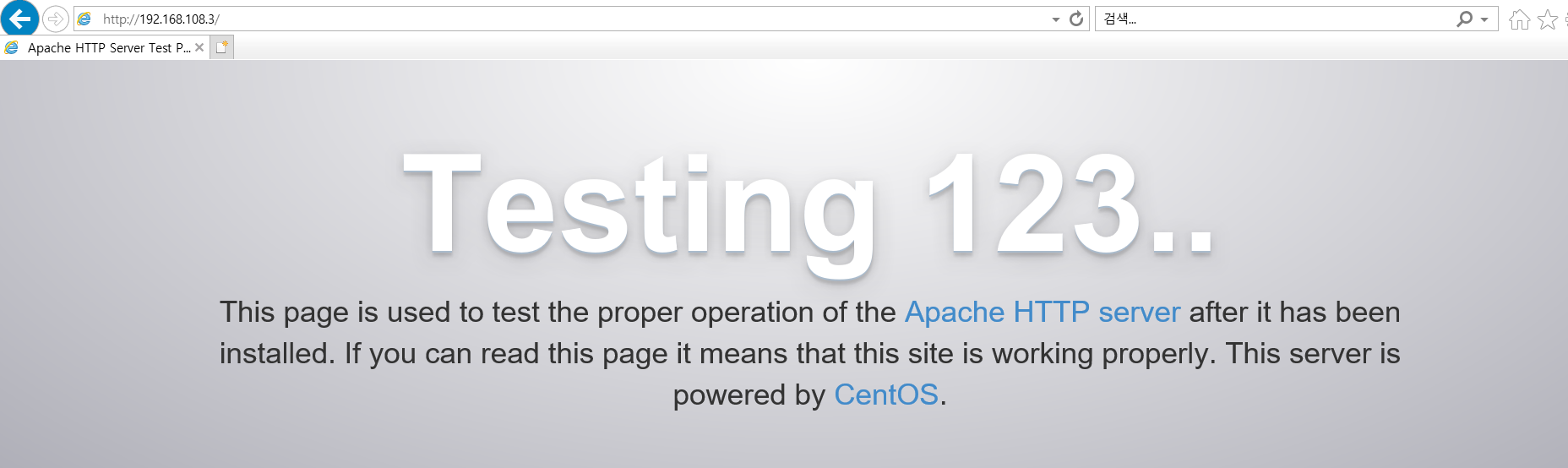
3. 웹페이지 접속
http://192.168.108.3 <-- 기본 웹페이지가 출력된다.
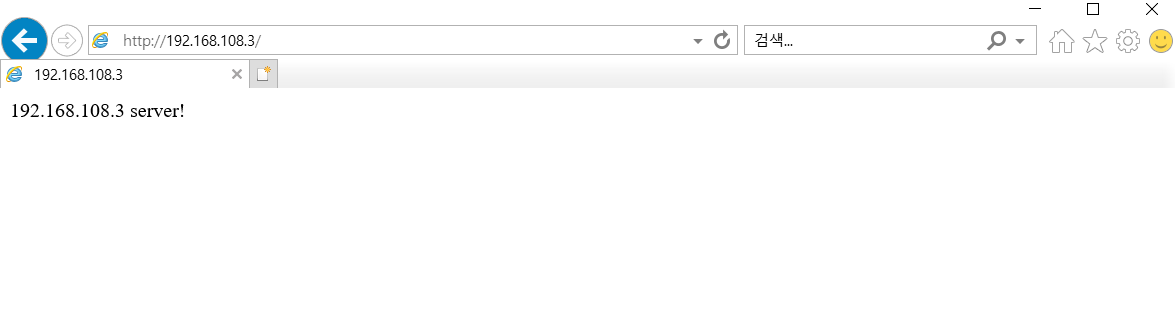
4. 기본 웹페이지 생성
index.html : 기본 웹페이지 문서이다.
# cd /var/www/html
# echo '192.168.108.3 server!' > index.html
# cat index.html
192.168.108.3 server!
'Download & Install' 카테고리의 다른 글
| [Linux] netcat 설치 (0) | 2021.11.10 |
|---|---|
| [Linux] PHP 설치 (0) | 2021.11.09 |
| [Linux] nslookup 설치 (0) | 2021.11.07 |
| Ubuntu 서버 설치하기 (0) | 2021.11.07 |
| 리눅스에 Python3 설치하기 (0) | 2021.11.06 |